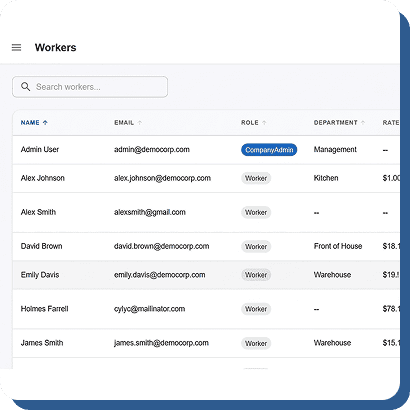
cloudtimemanager.com

AI-Powered

Stop Guessing. Start Auto-Scheduling.

Tell the engine your labor demand, employee availability, and skill requirements. It builds an optimized shift plan in seconds — respecting overtime rules, minor labor laws, and every constraint you set. No dragging. No guessing. No spending Sunday night building next week’s schedule. Completely free.

Three Ways to Clock In. All of Them Work Offline.

This isn’t a template copier. It’s a demand-analysis optimizer that
considers every variable and produces the best possible shift plan for your operation.

01

Define Labor Demand

Tell the system how many people you need, when you need them, and what skills or roles are required. Set demand by day, shift, or hour.

02

Feed In Availability & Constraints

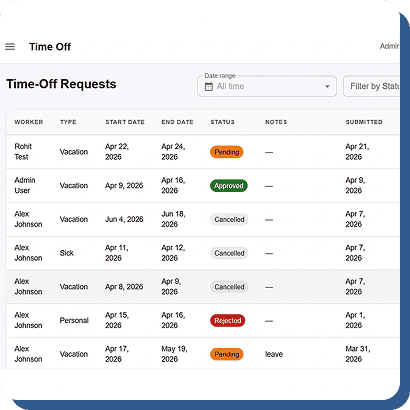
The engine pulls employee availability, time-off requests, skill certifications, overtime limits, and labor law restrictions automatically. It knows who’s available, who’s approaching overtime, and who legally can’t work certain hours.

03

Generate the Optimal Schedule

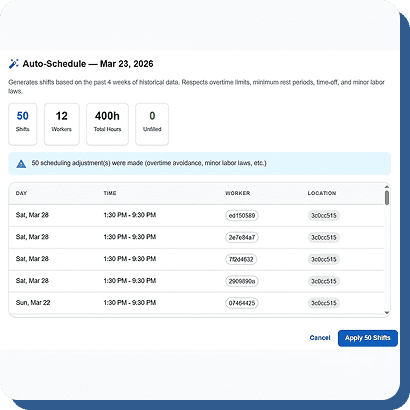
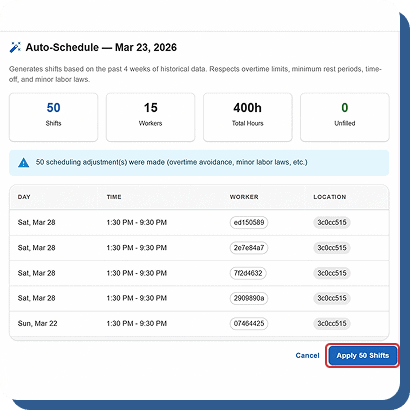
The algorithm balances demand against constraints and outputs a shift plan that covers every slot with the right people while minimizing overtime and staying compliant. In seconds, not hours.

04

Review, Adjust, Publish

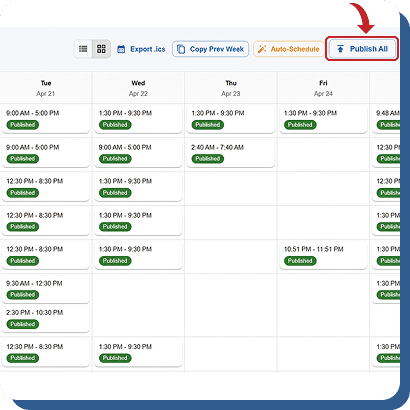
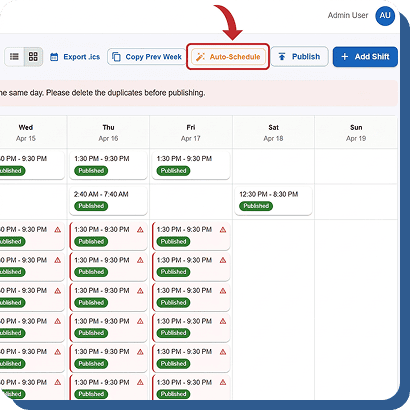
The generated schedule appears in the same drag-and-drop builder your team already knows. Make manual tweaks if needed, then publish with one click. Push notifications go out to every affected employee instantly.

Every Rule. Every Law. Every Preference. Respected Automatically.

The engine doesn’t just fill slots. It thinks through every constraint so you don’t have to.

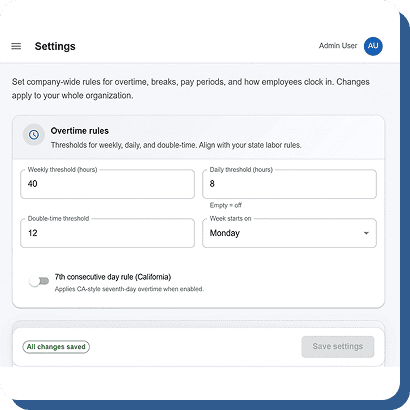
Overtime Rules

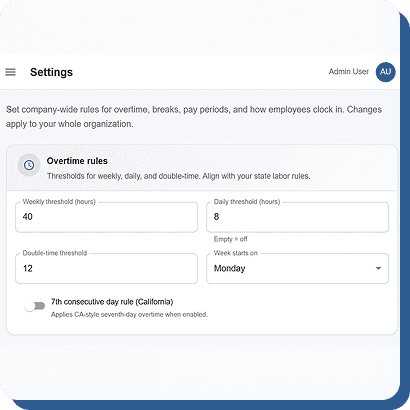
Configurable overtime calculations — daily, weekly, 7th-day, California rules. The engine avoids scheduling into overtime unless demand requires it, and flags when it does.

Minor Labor Law Enforcement

If an employee is under 18, the engine reads their date of birth, applies state-specific regulations, and refuses to schedule them outside legal hours. No other scheduling tool does this natively.

Employee Availability

PTO requests, availability windows, and blackout dates are all factored in. The engine won’t schedule someone who’s on vacation.

Skill & Role Matching

Need a certified forklift operator on the morning shift? The engine matches skill requirements to qualified employees.

Shift Preferences

When multiple employees qualify, the engine can factor in preferred shifts, preferred locations, and seniority.

Break & Rest Compliance

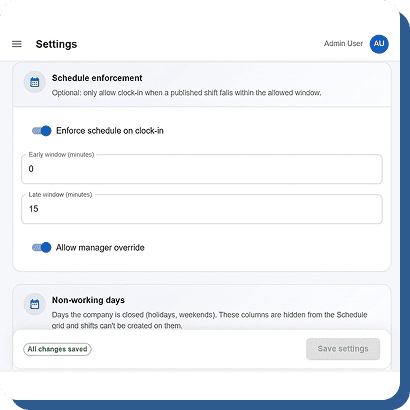
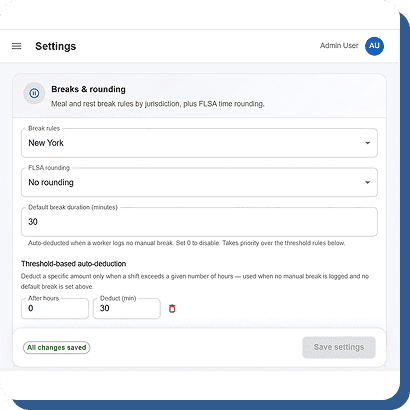
Minimum rest periods between shifts, mandatory break windows, and state-specific meal rules are enforced in the generated schedule.

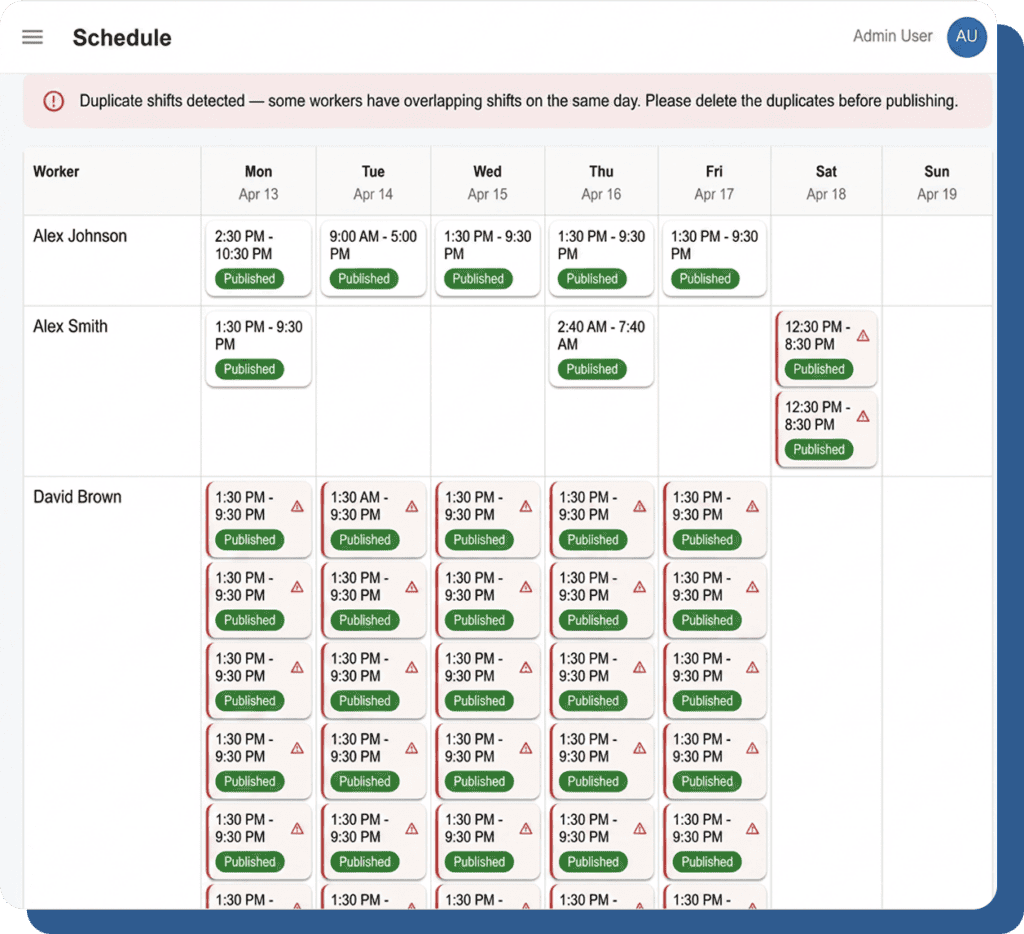
Auto-Generate, Then Fine-Tune by Hand.

Auto-scheduling gives you a 90% complete schedule so you can spend your time on the 10% that needs a human touch.

Drag-and-Drop Builder

Drag shifts between days and employees. Resize to adjust times. The auto-generated schedule drops right into this view.

Copy Week & Templates

Save common patterns as templates. Copy last week’s schedule. Use auto-schedule for the initial build and templates for recurring patterns.

Recurrence Rules

Set shifts to repeat daily, weekly, or on custom patterns. The engine respects recurrence when generating new schedules.

One-Click Publish + Push Notifications

Publish with one click. Every employee on the schedule gets a push notification immediately.

How Much Time Does Auto-Scheduling Actually Save?

Managers at restaurants, retail stores, and healthcare facilities report spending 3–8 hours per week building schedules manually. With auto-scheduling, the initial schedule generates in under 60 seconds. Even with review and adjustments, total scheduling time drops to under 30 minutes.
That’s 2–7 hours returned to your managers every single week.

Build Next Week’s Schedule in 60 Seconds. Free.

Auto-schedule respects overtime, availability, skills, and minor labor laws. Every feature free, no credit card.