cloudtimemanager.com

Scheduling

Drag, Drop, and Done — Or Let the Engine Build It for You.

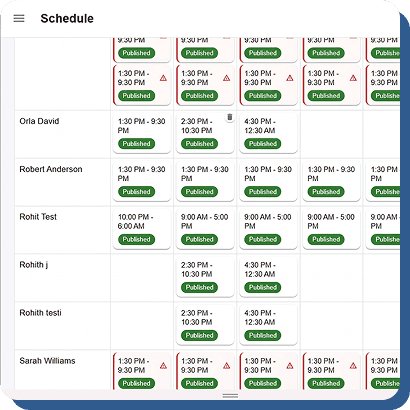
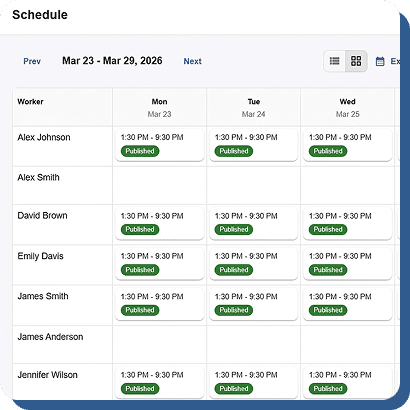
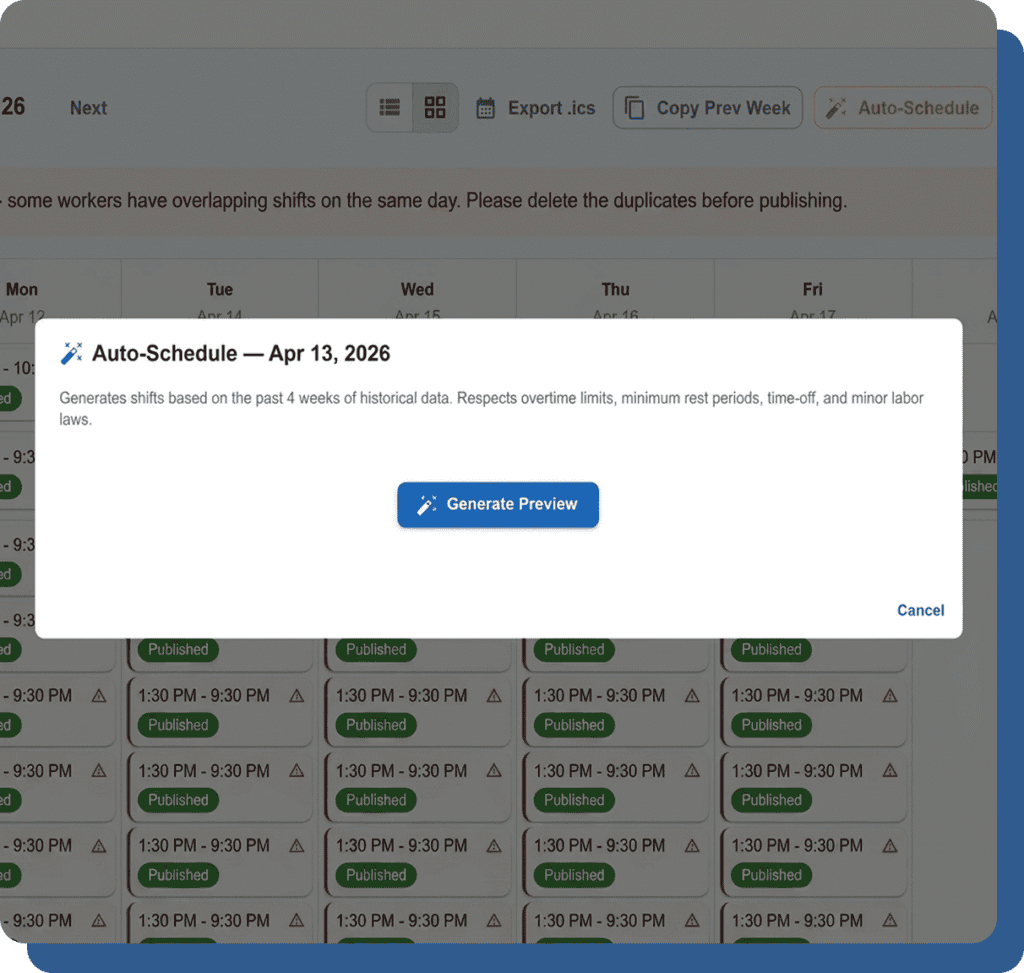
Build weekly schedules in minutes with drag-and-drop simplicity. Copy entire weeks. Set recurrence rules. Publish with one click and every employee gets a push notification. Or skip manual work entirely — the auto-schedule engine builds optimized shift plans in seconds. Completely free.
Visual Scheduling That Takes Minutes, Not Hours.

Stop texting schedules. Stop printing spreadsheets. Build the week visually, publish it once, and everyone knows where to be.

Drag-and-Drop Interface

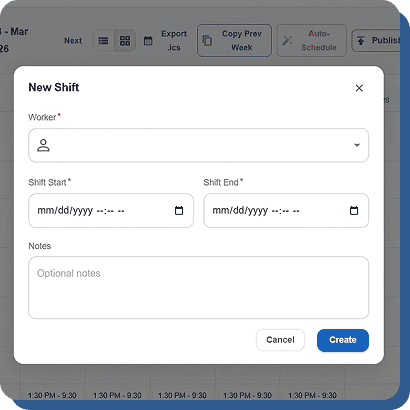
Click and drag shifts onto employees and days. Resize to adjust start and end times. Move shifts between people with a simple drag. The interface is powered by a modern drag-and-drop library that feels responsive and intuitive.

Shift Templates

Create reusable templates for common shifts — morning opener, mid shift, closing, weekend coverage. Drop a template onto the schedule instead of building every shift from scratch.

Copy Week

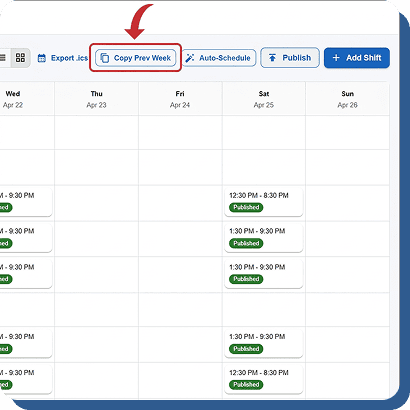
Had a good week? Copy it. One click duplicates the entire week’s schedule to the next week. Adjust as needed, then publish. Saves hours on repetitive schedules.

Recurrence Rules

Set shifts to repeat daily, weekly, or on custom patterns. A recurring Monday 9–5 for your full-time staff saves you from scheduling them every single week.

Publish Once. Everyone Knows Instantly.

A schedule nobody sees is a schedule nobody follows.
Cloud Time Manager makes sure every employee knows their shifts the moment you publish.
One-Click Publish
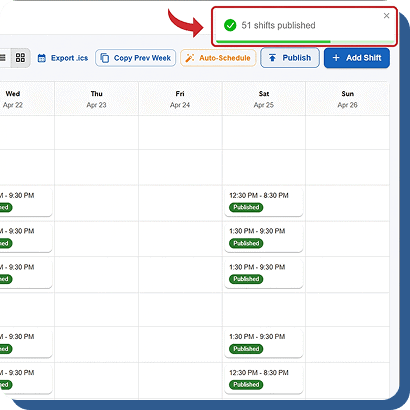
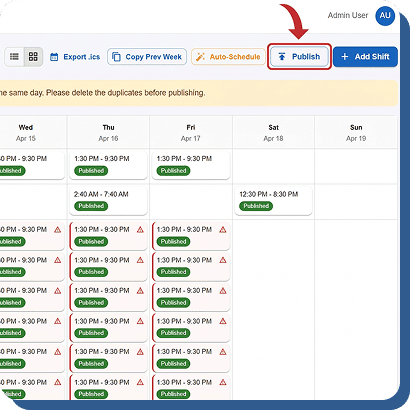
When the schedule is ready, hit publish. The status changes to Published and the schedule becomes visible to every assigned employee on mobile and web.

Push Notifications

Every employee on the schedule gets a push notification on their phone the moment you publish. No group texts. No email chains. No “I didn’t see the schedule” excuses.

Open Shifts

Mark shifts as open and let employees claim them. Self-service scheduling for coverage gaps without the back-and-forth.

.ics Calendar Export

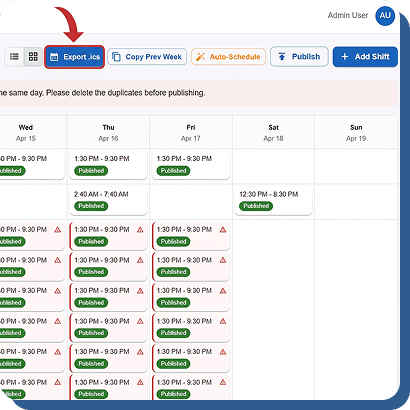
Employees can export their schedule to Google Calendar, Apple Calendar, or Outlook with a standard .ics file. Their work shifts show up alongside personal events.

Rules That Prevent Problems Before They Happen.

Scheduling errors cause overtime, compliance violations, and angry employees.
Cloud Time Manager enforces your rules at the scheduling level — not after the damage is done.

Overtime Prevention

The schedule builder flags when assigning a shift would push an employee into overtime. See the warning before you publish, not on the payroll report.

Minor Labor Law Enforcement

If an employee is under 18, the schedule builder won’t let you place them outside legal working hours for their state. Automatic, not optional.

Availability Enforcement

Employees set their availability. The builder respects it. You can’t accidentally schedule someone who’s unavailable or on approved PTO.

Schedule-to-Clock Enforcement

Configure whether employees can only clock in during their scheduled shift, within a grace window, or at any time. Enforcement rules are set per company.

Build Better Schedules. Free.

Drag-and-drop. Auto-schedule. Push notifications. Open shifts. Compliance enforcement. $0/user/month.