cloudtimemanager.com

Unique Feature

Turn Any Tablet Into a Time Clock — No $400 Hardware.

PIN-based kiosk mode runs on any shared tablet or iPad. Employees enter their PIN, the system captures a photo for verification, and the punch is recorded. Eliminates buddy punching without biometric hardware. Setup takes minutes. Costs $0.

PIN In. Photo Taken. Punch Recorded.

A simple, fast, fraud-resistant clock-in experience that runs on hardware you already own or can buy for $100.

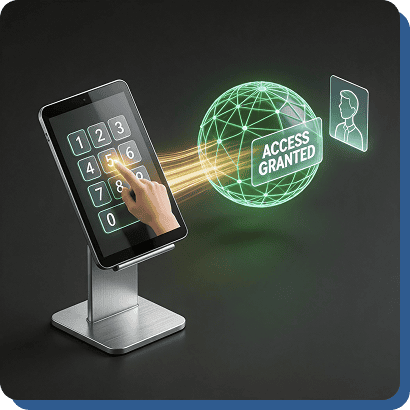
PIN Entry

Each employee is assigned a unique PIN by their admin. At the kiosk tablet, they enter the PIN on a clean keypad interface. The system identifies them instantly.

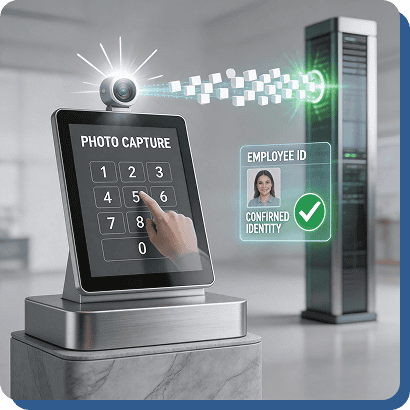
Photo Capture at Punch

The moment the PIN is entered, the tablet’s camera captures a photo of the employee. This visual record verifies the person entering the PIN is the person it belongs to. Buddy punching eliminated.

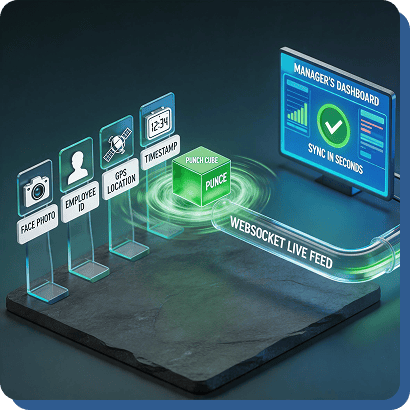
Instant Punch Recording

Clock-in time, employee identity, photo, and location are recorded immediately. The punch appears on the manager’s real-time dashboard within seconds via the WebSocket live feed.

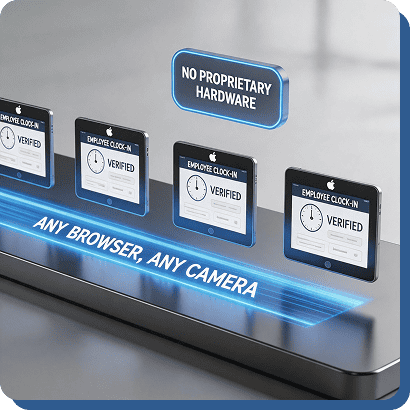
Runs on Any Tablet

iPad, Android tablet, Amazon Fire — anything with a browser and a camera. Lock the browser to kiosk mode using the device’s built-in guided access or kiosk settings. No proprietary hardware.

Live in Minutes. Not Days.

Setting up kiosk mode doesn’t require an IT department, a support call, or a technician visit.

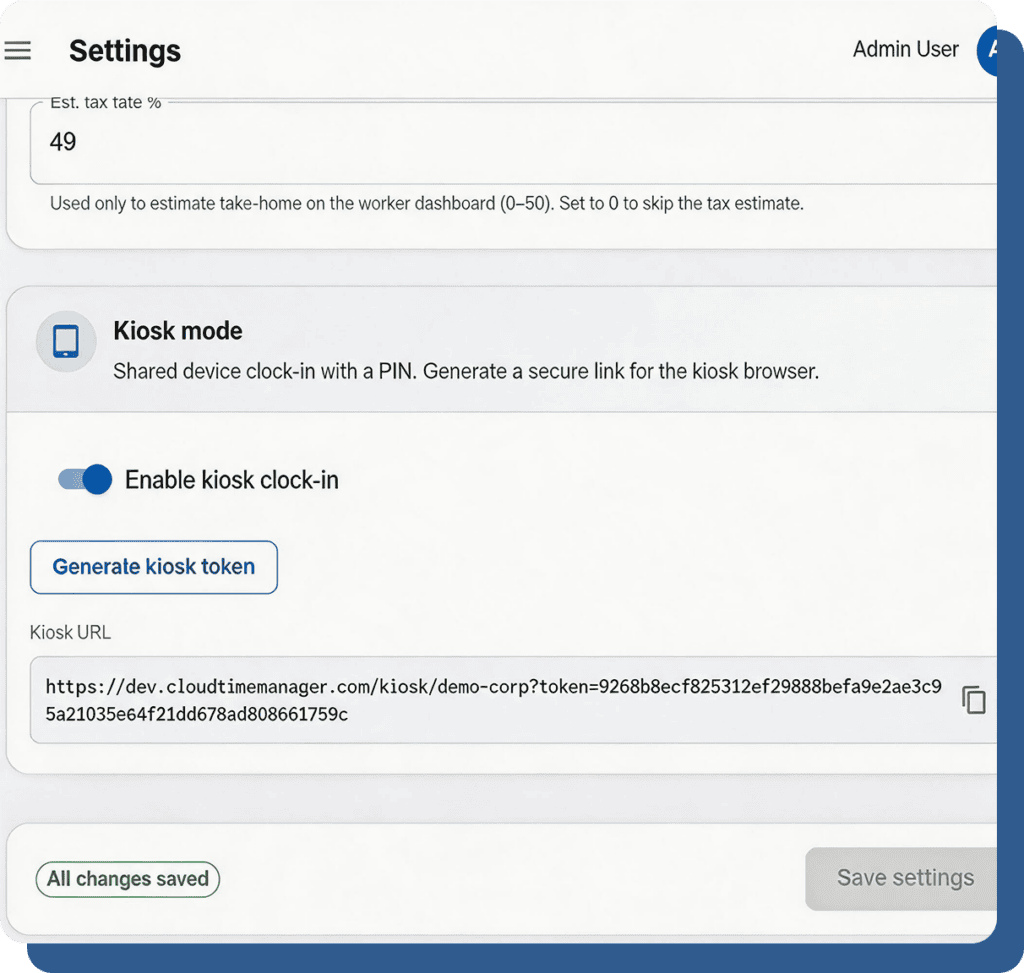
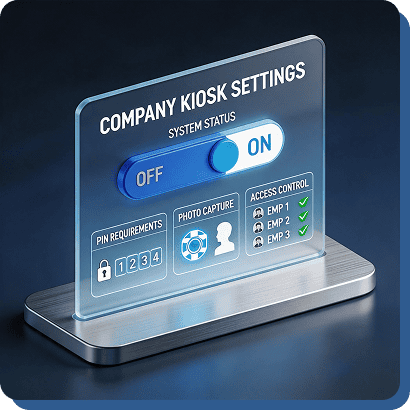
Enable in Settings

Toggle kiosk mode on in your company settings. Configure PIN requirements, photo capture, and which employees have kiosk access.

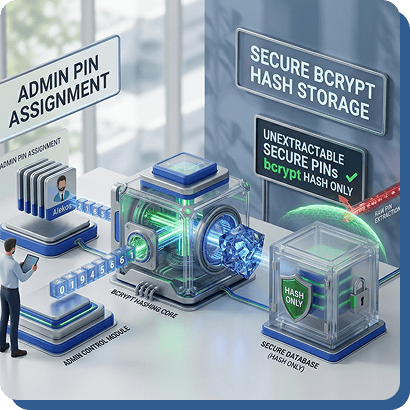
Assign Employee PINs

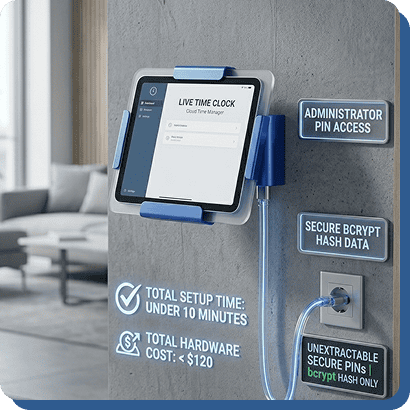
Admins set PINs for each employee. PINs are stored securely as bcrypt hashes — they can’t be extracted even if someone accesses the database.

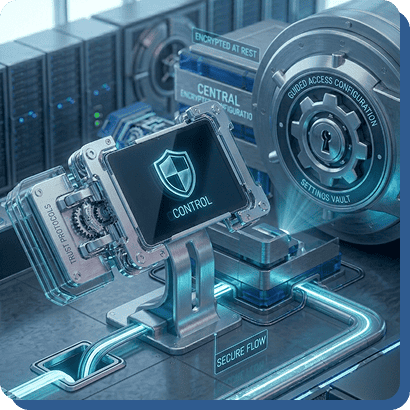
Lock the Tablet

Use your tablet’s built-in kiosk or guided access mode to lock the browser to the Cloud Time Manager kiosk screen. Employees can’t navigate away.

Mount and Go

Stick the tablet to the wall with a $15 mount, plug in a charger, and your time clock is live. Total cost: the tablet you already own or a $100 purchase. Total setup time: under 10 minutes.

One Shared Device for the Whole Team.

Kiosk mode works anywhere a team shares a single clock-in point.

Restaurant Host Stand

Mount a tablet at the host stand or back-of-house. Staff PIN in at the start of every shift. Photo capture ensures it’s them.

Manufacturing Floor

A shared tablet on the production floor replaces a proprietary time clock terminal. Workers PIN in before hitting the line.

Retail Back Room

One tablet in the break room or stockroom. Staff clock in before starting their shift. Simple, fast, no training needed.

Warehouse Entrance

Mount at the loading dock or warehouse entrance. Workers clock in on arrival. GPS confirms the device is at the correct location.

Office Lobby

For teams that want a shared clock-in point instead of individual mobile punches. Clean, professional, and visible to the team.

Replace the $400 Kiosk. Free.

PIN entry. Photo capture. Any tablet. Setup in 10 minutes. $0/user/month.