Always Know How Much Time Off Your Team Has Left.
Balances update automatically as requests are approved and time is taken. No end-of-month reconciliation.
Automatic Balance Updates
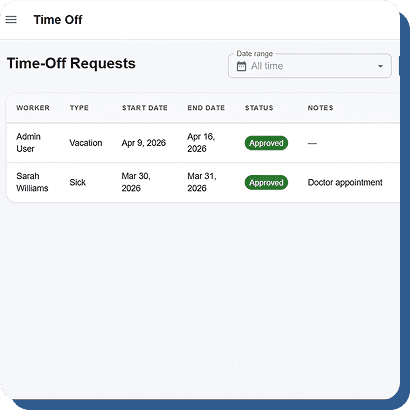
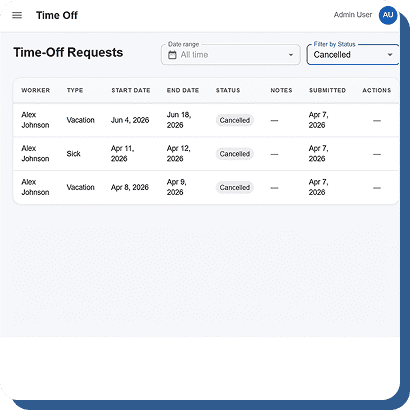
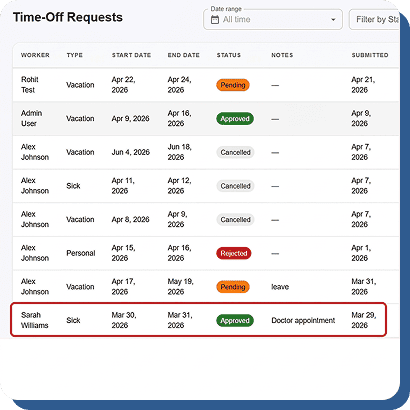
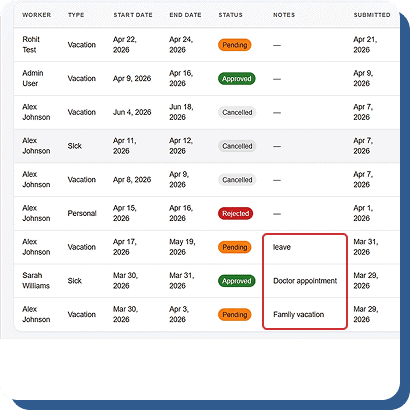
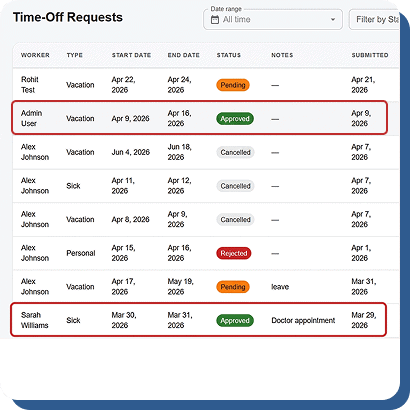
Once a leave request is approved, the system automatically deducts the time from the employee’s available PTO balance and updates the timesheet instantly. This creates a single, accurate source of truth for attendance, leave tracking, and payroll management while reducing manual errors and administrative work.
Custom Leave Types
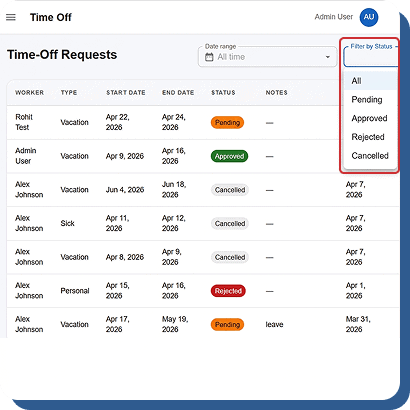
Create unlimited leave categories based on your company policies, including vacation, sick leave, personal leave, bereavement, jury duty, and parental leave. Each leave type maintains its own separate balance pool, helping businesses manage employee benefits accurately while ensuring clear and organized PTO tracking.
Manager Balance Visibility
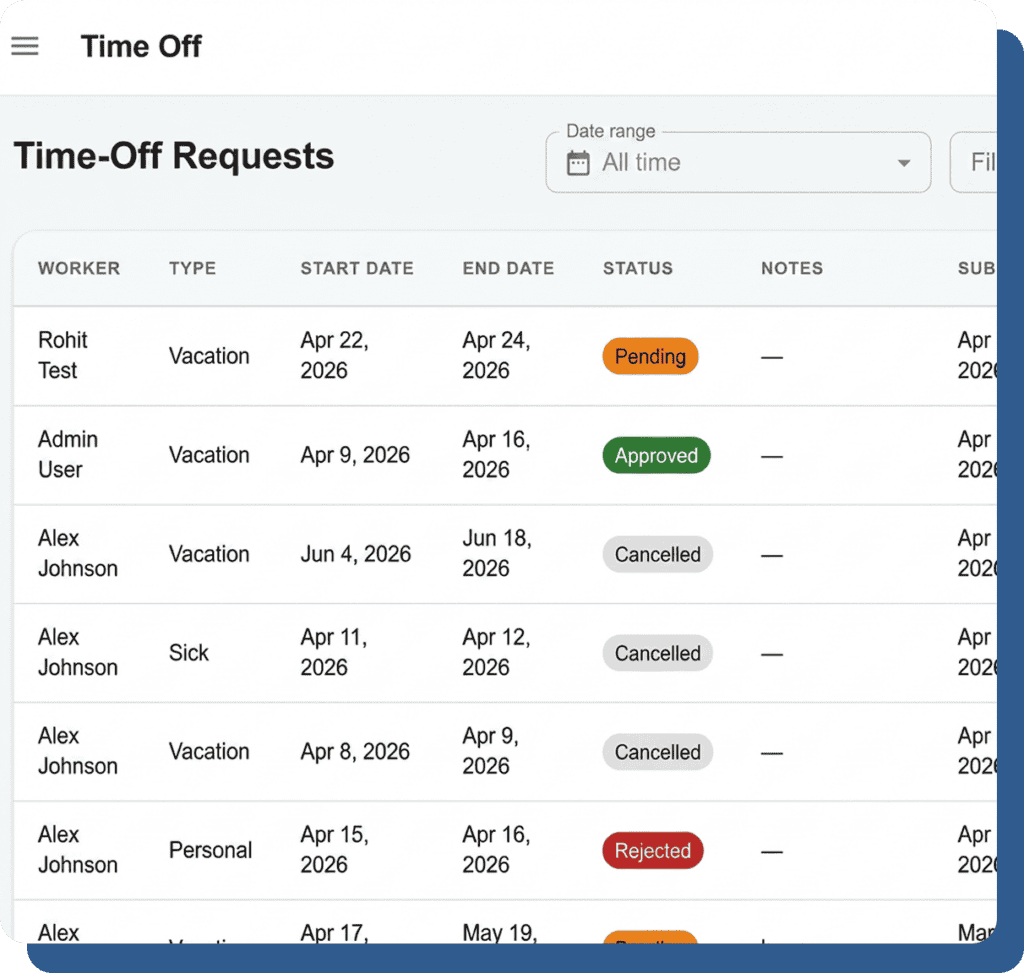
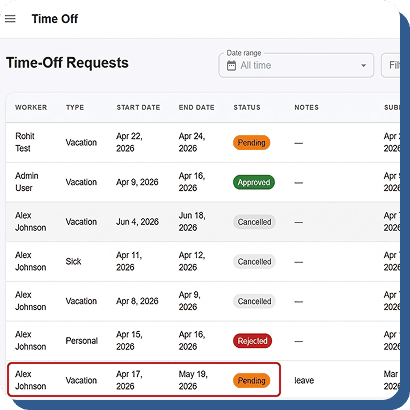
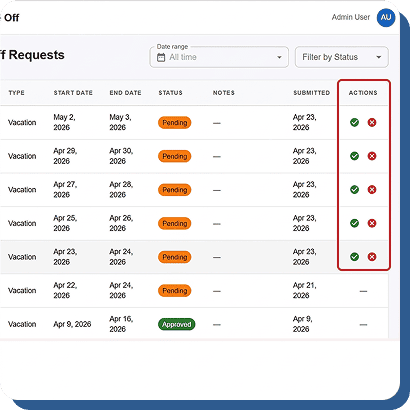
When managers review a time-off request, the employee’s available balance for that specific leave type is displayed directly on the approval screen. This helps managers make faster, informed decisions while avoiding overuse of leave balances and maintaining accurate workforce scheduling.
Manual Adjustments
Managers can manually adjust PTO balances for anniversaries, corrections, or unused day carryovers whenever needed. Every adjustment is securely logged in the employee’s record, creating a transparent and fully auditable history for better accountability, compliance, and accurate leave management.