
Unique Feature
The Time Clock App That Works Offline.
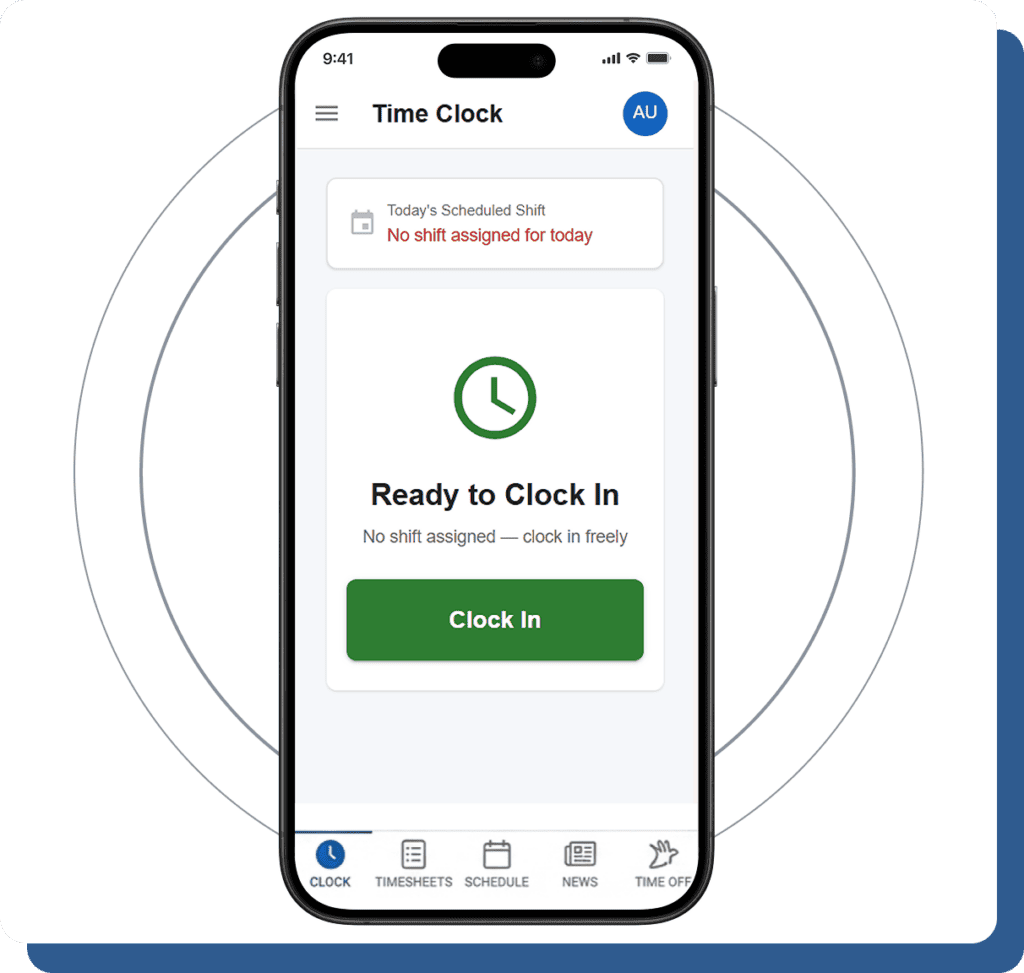
A native iOS and Android app built on React Native with offline-first architecture. Workers clock in and out with zero internet connectivity. Punches queue locally and sync the moment a connection returns. Five dedicated tabs for everything workers need — clock, timesheet, schedule, news, and time off. Free for every user.
No Signal? No Problem. Clock In Anyway.
This is the feature that sets Cloud Time Manager apart. Your field crews,
delivery drivers, food trucks, and construction workers don’t always have internet. The app doesn’t care.
delivery drivers, food trucks, and construction workers don’t always have internet. The app doesn’t care.
Local Punch Storage
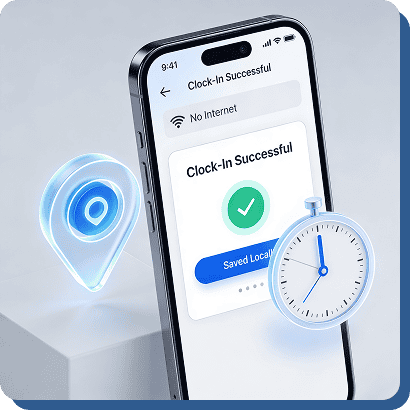
When internet connectivity is unavailable, the app automatically stores employee clock-ins locally on the device along with GPS coordinates, timestamps, and attendance details. Employees can continue clocking in and out without interruptions, error messages, or failed punches. The system works seamlessly in the background, ensuring attendance data is never lost even in remote areas or locations with poor network coverage. This reliable offline functionality helps businesses maintain accurate workforce tracking anytime and anywhere without depending on constant internet access.

Automatic Sync
As soon as internet connectivity returns, the app automatically syncs all stored offline punches to the server in the exact order they were recorded. Employees do not need to manually upload data or press retry buttons. The synchronization process runs smoothly in the background while maintaining complete accuracy for timestamps, GPS locations, and attendance records. This automation reduces manual work, prevents missing punch data, and ensures businesses always receive accurate workforce information even after temporary network interruptions or connectivity issues.
Queue Visibility
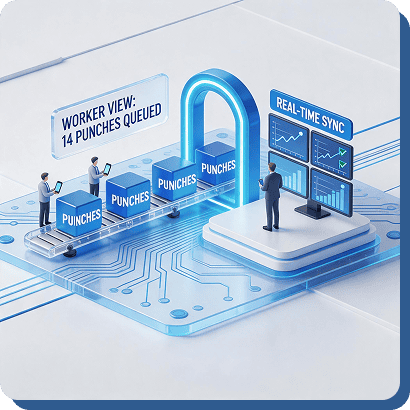
Employees can easily view how many attendance punches are currently waiting in the offline sync queue directly from the app. Managers also receive real-time visibility as synced punches appear automatically on the dashboard once connectivity is restored. This transparency helps both employees and supervisors stay informed about attendance status, pending sync activity, and successful data uploads. Businesses benefit from improved trust, better communication, and more reliable attendance tracking without uncertainty about whether offline punches have been successfully recorded or synchronized.
Built as Core Architecture
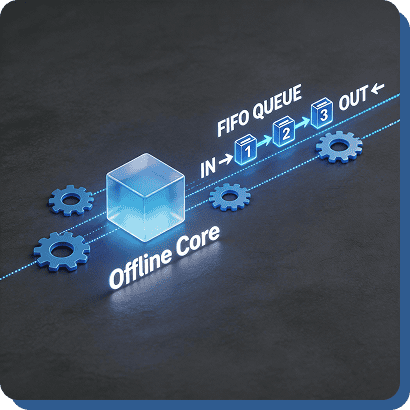
The offline queue is not simply an added backup feature — it is built into the core system architecture from the beginning. Using reliable AsyncStorage technology, FIFO synchronization logic, and automatic retry handling, the app was designed specifically to function smoothly in offline environments. Stored punches sync securely and accurately with up to five automatic retry attempts when connectivity issues occur. This offline-first design ensures stable attendance tracking, improved reliability, and uninterrupted workforce management for businesses operating in field locations, remote areas, or unstable network environments.
Five Tabs. Everything an Employee Needs.
The mobile app is organized into five dedicated tabs so workers can do
everything from their phone without ever opening a browser.
everything from their phone without ever opening a browser.
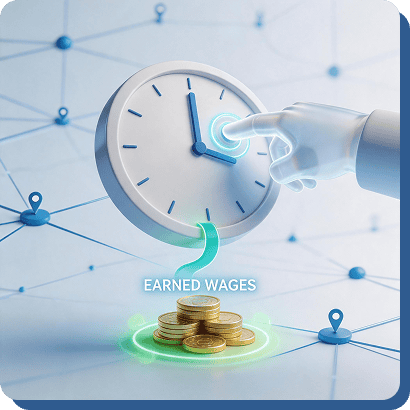
Clock Tab
Employees can clock in and out with a single tap using GPS-enabled attendance tracking. The app includes break start and end controls, elapsed work hour tracking, and a real-time earned wages card showing accrued earnings instantly. An offline punch queue with automatic sync ensures accurate attendance tracking even without internet connectivity.
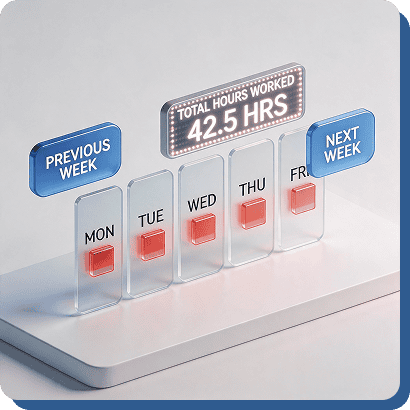
Timesheet Tab
Employees can view their weekly timesheets with simple previous and next week navigation directly from the mobile app. The system displays total worked hours, overtime highlights, and detailed attendance records in real time. Workers can independently track their hours and overtime without needing to contact managers for updates or payroll information.
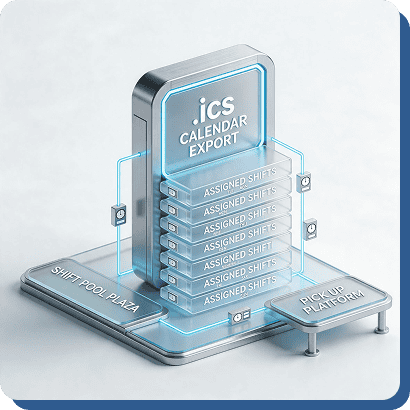
Schedule Tab
Employees can view assigned shifts with clear start and end times directly in the app. They can release shifts back into the open shift pool or claim available shifts when coverage is needed. Schedules can also be exported to personal calendar apps using a standard .ics file for better organization.
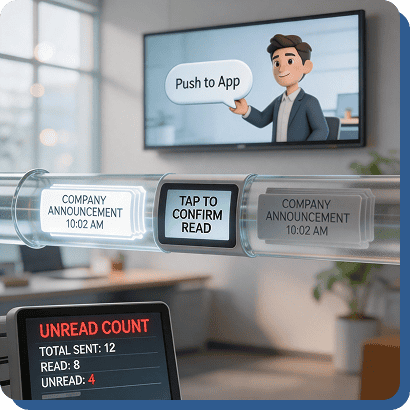
News Tab
Managers can send company announcements directly from the web dashboard, and employees receive them instantly within the mobile app. Announcements include read and unread indicators, notification badges, and tap-to-mark-as-read functionality. This improves internal communication and ensures employees stay updated on important company information and operational updates.
Time Off Tab
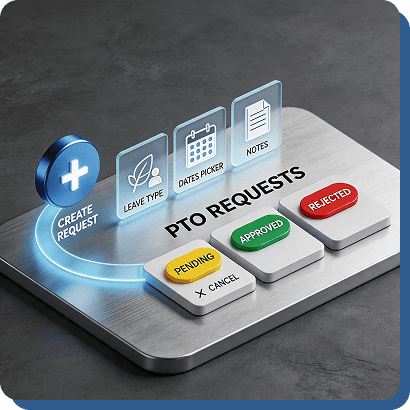
Employees can easily manage time-off requests through the mobile app using status indicators for Pending, Approved, or Rejected requests. A floating action button allows users to quickly create new requests by selecting leave types, choosing dates, and adding notes. Pending requests can also be canceled directly from the app for added flexibility.
Managers Get Three More Tabs.
Admin and manager accounts see additional tabs for real-time team oversight and approval workflows.
Active Workers
The schedule builder flags when assigning a shift would push an employee into overtime. See the warning before you publish, not on the payroll report.
Approvals
Pending time entries waiting for manager review. Approve or reject with one tap from mobile. No need to open a laptop.
Clock
Same clock-in screen as workers — managers can clock themselves in too. GPS capture, break tracking, and offline queue all work identically.
Every Punch Is GPS-Tagged. Even Offline.
The mobile app captures GPS coordinates at every clock event using the device’s built-in location services.
Foreground GPS Capture
The schedule builder flags when assigning a shift would push an employee into overtime. See the warning before you publish, not on the payroll report.
Offline GPS
GPS works independently of internet. Even when the punch is stored in the offline queue, the location is captured and stored with it. When the queue syncs, the GPS data comes along.
Geofence Enforcement
If the employee’s assigned geofence has hard enforcement enabled, the app will block the clock-in if they’re outside the boundary — with a clear message explaining why.
Stay Connected Without Checking the App.
Push notifications keep workers and managers informed without requiring anyone to constantly monitor the app.
Schedule Published
The schedule builder flags when assigning a shift would push an employee into overtime. See the warning before you publish, not on the payroll report.
Shift Swap Requests
Managers get notified when an employee requests a swap, release, or pickup. Workers get notified when their request is approved or rejected.
Time-Off Decisions
Employees get notified immediately when their PTO request is approved or rejected.
Announcements
New company announcements push to every targeted employee’s device with an unread badge.
The Time Clock App That Works Everywhere. Free.
Offline-first. GPS-tagged. Five worker tabs. Three admin tabs. Push notifications. $0.