Build Any Report Your Operation Needs.
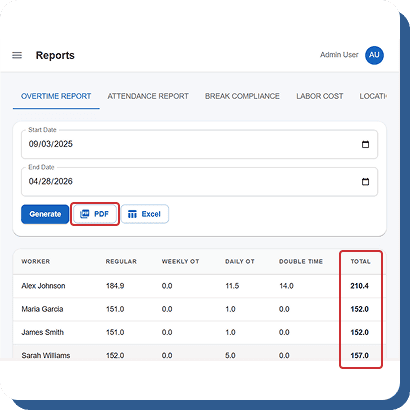
Pre-built reports cover the common cases. The custom builder handles everything else.
Flexible Filters
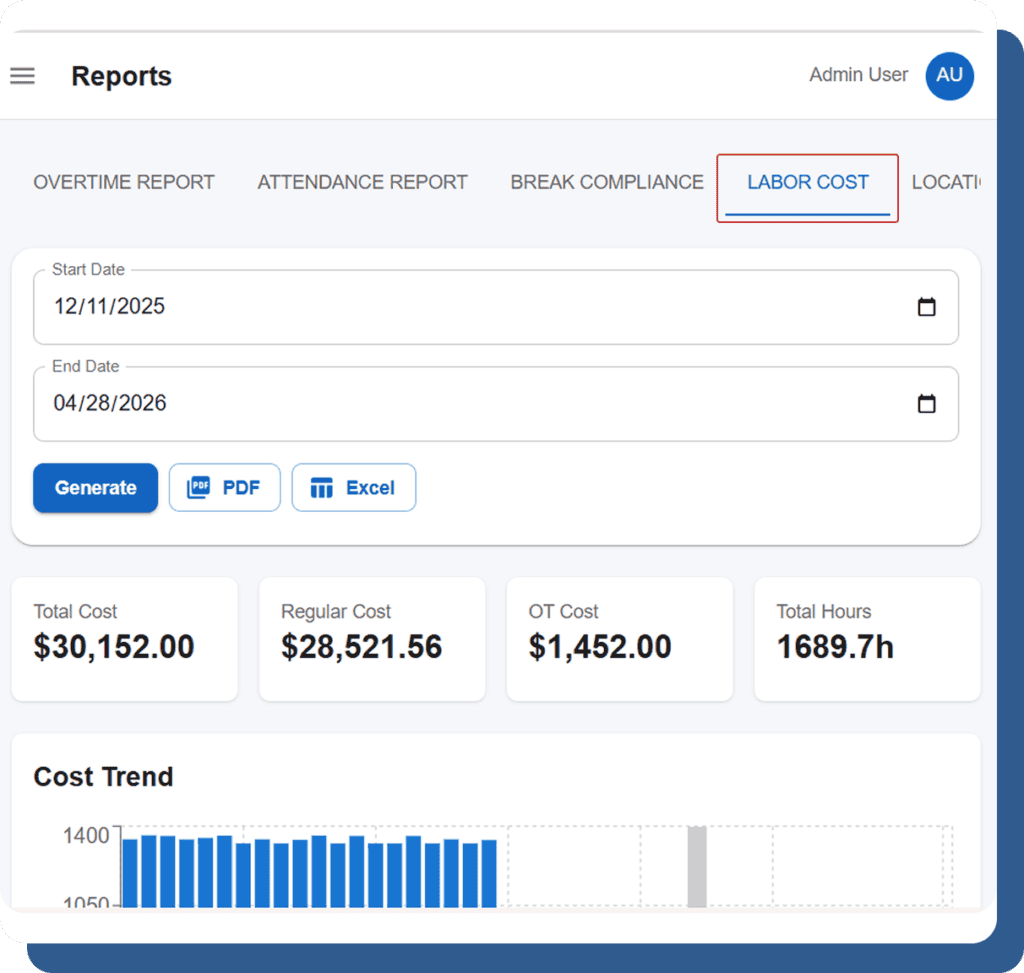
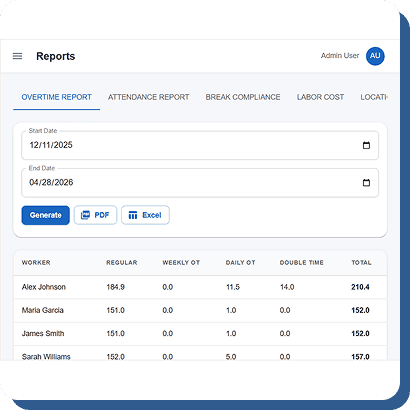
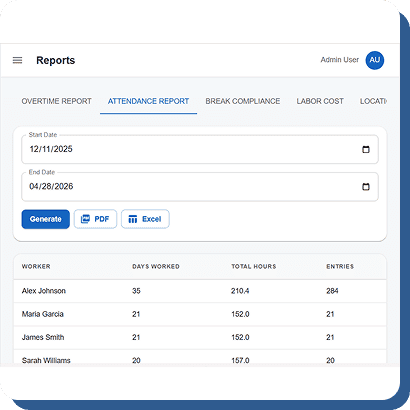
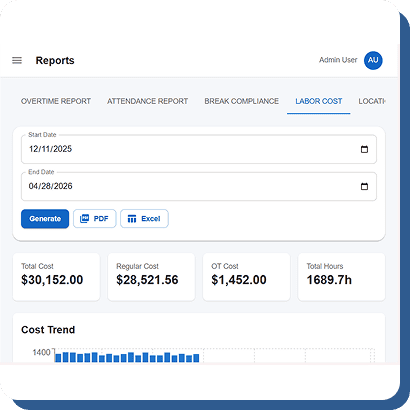
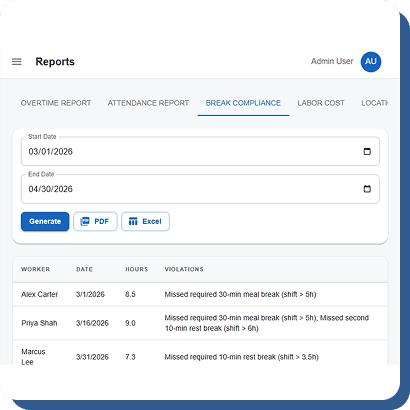
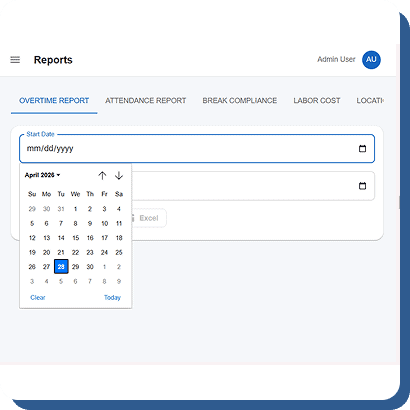
Filter reports by employee, department, location, date range, shift type, overtime status, PTO category, and more to find exactly the workforce data you need. Multiple filters can be combined for deeper analysis, helping managers generate highly targeted reports for payroll, attendance tracking, scheduling insights, and labor cost management across teams and locations.
Visual Charts
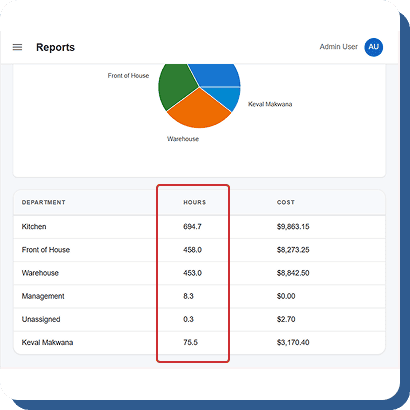
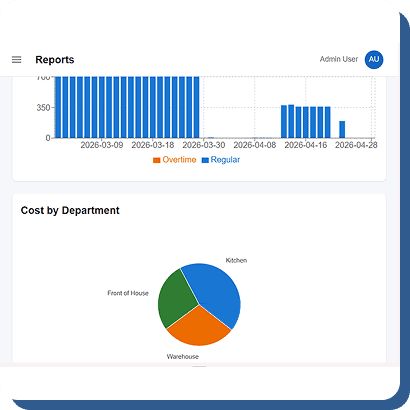
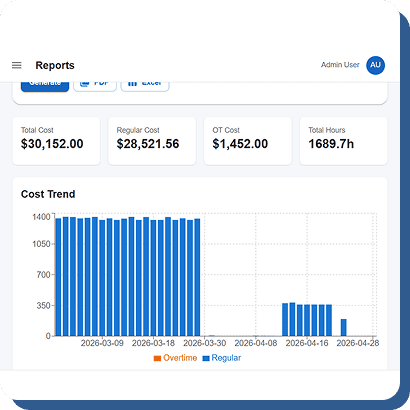
Reports are displayed using interactive charts such as bar graphs, line charts, and pie charts powered by a modern visualization engine. Instead of reviewing endless spreadsheets or raw numbers, managers can quickly identify workforce trends, overtime patterns, attendance issues, and labor distribution through clear and easy-to-understand visual insights.
Save & Reuse
Save customized report configurations for quick one-click access whenever needed. Businesses can create reports once and reuse them every pay period, week, or month without rebuilding filters or layouts. This saves administrative time, improves reporting consistency, and helps managers generate recurring workforce analytics more efficiently.
Drill Down
Every summary value in a report is interactive and clickable for deeper analysis. Managers can click overtime totals, attendance numbers, or department summaries to instantly view detailed employee-level records behind the data. This drill-down functionality improves reporting transparency and helps businesses investigate workforce trends with greater accuracy and detail.